



Laptop Repair in The Fix in Walmart Wilmington
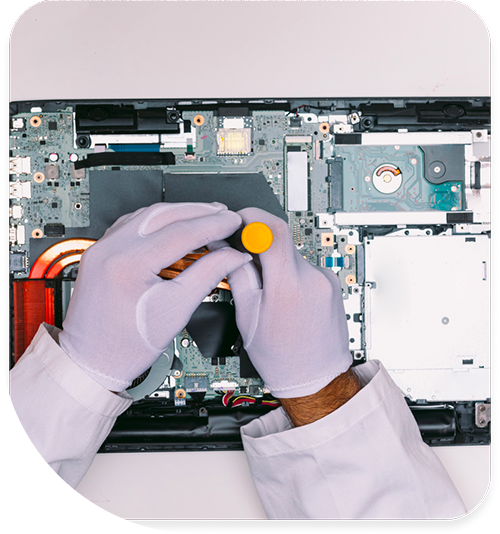
Broken laptop slowing you down? At The Fix in Wilmington, NC, we repair all major laptop brands and models. From cracked screens to battery issues, our technicians provide fast, affordable service with free diagnostics and high-quality parts.
Professional Laptop Repair Services
- Screen Repair & Replacement
- Battery Replacement
- Water Damage Repair
- Keyboard & Trackpad Repair
- Charging Port Repair
- Overheating & Fan Repair
- Hard Drive / SSD Replacement & Data Recovery
- Software Troubleshooting & Recovery
Professional Laptop Repair Services In The Fix in Walmart Wilmington
The Hardware Classroom: Diagnosing Laptop Repair in Wilmington, NC (28403)
For students at UNCW or Cape Fear Community College, a laptop is the most important tool in the backpack. For the digital nomads working in downtown Wilmington cafes, it is the office. But in the 28403 zip code, the combination of intense humidity, salt air, and student lifestyle creates specific failure patterns. Ignoring the early signs often leads to a total system crash right before a deadline.
At The Fix, located at 5226 Sigmon Rd inside Walmart, we view every broken laptop as a teaching moment. We don't just swap parts; we explain the "Health Cycle" of your computer. Here is a lesson on the most common symptoms we see for Laptop Repair in Wilmington, NC and how we solve them.
Symptom: The "Hovercraft" Noise (Overheating)
The Observation: You are typing a paper at Randall Library, and the fan starts spinning at maximum speed, making a loud "whooshing" or grinding sound. The bottom of the chassis feels uncomfortably hot on your lap. The Diagnosis: Humidity-Induced Dust Clogging. In Wilmington, dust isn't dry; it's sticky. Our high humidity turns dust into a paste that clings to your fan blades and clogs the radiator (heatsink). The computer is literally suffocating, unable to push hot air out. The Solution: We perform a "Thermal Rehabilitation." We disassemble the cooling module, physically scrub the sticky dust from the vents, and replace the dried-out factory thermal paste with high-grade conductive compound. This lowers operating temperatures significantly.
Symptom: The "Rigid" Trackpad (Battery Swelling)
The Observation: Your trackpad becomes hard to press, or it stops clicking entirely. You might notice a slight bulge in the keyboard or the casing seam splitting open. The Diagnosis: Electrolyte Decomposition (Heat Damage). We see this often after a laptop has been left in a car on Market Street during summer. The intense heat causes the lithium-ion battery cells to off-gas and inflate like a balloon. This internal pressure pushes up against the trackpad and keyboard. The Solution: This is a safety hazard. We safely extract the swollen battery and install a fresh, stable unit. In most cases, this instantly fixes the trackpad issue without needing to replace the trackpad itself, as the pressure is relieved.
Symptom: The "Sticky" Key (Keyboard Failure)
The Observation: Certain keys (often the spacebar or 'E') stop registering, or they feel "crunchy" when pressed. The Diagnosis: Corrosion or Debris. If you use your laptop on a balcony near the beach, salt air can corrode the delicate switches. Alternatively, sand grains from your bag can get lodged under the keycaps. The Solution: Don't just pry the key off (you might break the clip). We can often remove individual keycaps to clean the mechanism or replace the hinge clip. If the corrosion is widespread, we replace the entire keyboard assembly.
Prevention: The Rules of the Road
- The "Car" Ban: Never leave your laptop in a parked car in Wilmington, even for "just a quick stop" at the grocery store. The greenhouse effect inside a vehicle destroys battery chemistry in minutes.
- The "Surface" Rule: Do not use your laptop on a pillow or fluffy blanket (common in dorms). This blocks the intake vents. Always use a hard surface or a lap desk to allow the fans to breathe.
- The "Carry" Technique: Never pick up a laptop by the top corner of the screen. This puts massive leverage on the hinge and glass. Always pick it up by the base.
Frequently Asked Questions (Q&A)
Q: My screen flickers when I move the lid. Do I need a new screen? A: Not necessarily. This is often just the video cable (LVDS/eDP cable) being pinched or worn out inside the hinge. Replacing just the cable is much more economical than replacing the entire LCD panel.
Q: Why does my laptop say "Plugged in, not charging"? A: This usually indicates a battery that has reached the end of its chemical life (0% health) or a charger that isn't supplying the correct voltage. We can test both in-store to pinpoint the culprit.
Q: Can you upgrade my old laptop to make it faster for school? A: Yes. If you have a spinning Hard Drive (HDD), upgrading to a Solid State Drive (SSD) will make it feel 10x faster. It's the best money you can spend on an older machine.
Class Dismissed
Don't let a hardware failure cause you to miss an assignment. Visit The Fix inside Walmart Wilmington on Sigmon Rd. We’ll diagnose the issue, explain the fix, and get you back to work.
Other Locations Near By You
The Fix in Walmart Wake Forest
2114 S Main St, Wake Forest, NC 27587, United States
The Fix in Walmart Raleigh
1725 New Hope Church Rd, Raleigh, NC 27609, United States
The Fix in Walmart Salisbury
323 S Arlington St, Salisbury, NC 28144, United States
The Fix in Walmart Statesville
1116 Crossroads Dr, Statesville, NC 28625, United States
The Fix in Walmart Gastonia
3000 E Franklin Blvd, Gastonia, NC 28056, United States
The Fix in Walmart Leland
1112 New Pointe Blvd, Leland, NC 28451, United States
The Fix in Walmart Shelby
705 E Dixon Blvd, Shelby, NC 28152, United States
Your local repair experts for every device
From iPhones to gaming laptops, The Fix in Wilmington, NC is your one-stop shop for device repair. Quick turnarounds, affordable prices, and local experts you can trust
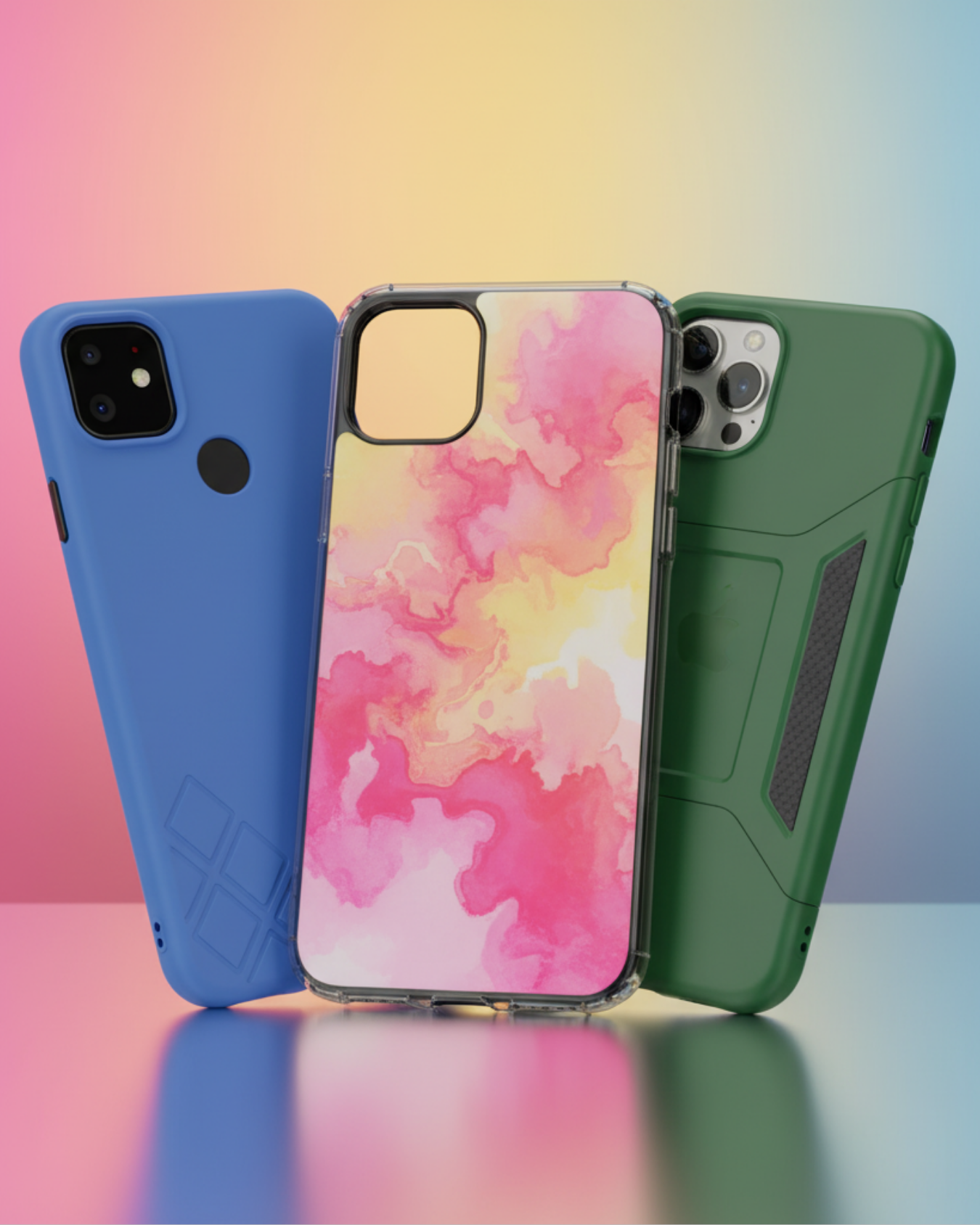
Phone Cases
Protect your device in style! At The Fix in Wilmington, NC, we offer a wide selection of durable phone cases for all major brands—sleek designs that keep your phone safe and looking great.

Nintendo Switch Repair
Cracked Nintendo Switch screen? We repair Switch devices in Wilmington, NC quickly and affordably. Fast, easy, and always with high-quality parts.

MacBook Repair
For broken screens, battery replacements, or other issues, The Fix in Wilmington, NC provides quick MacBook repairs with premium parts.

PlayStation Repair
Is your PlayStation giving you trouble? At The Fix in Wilmington, NC, we handle PlayStation repairs with care and quality parts—no long waits, no hassle.
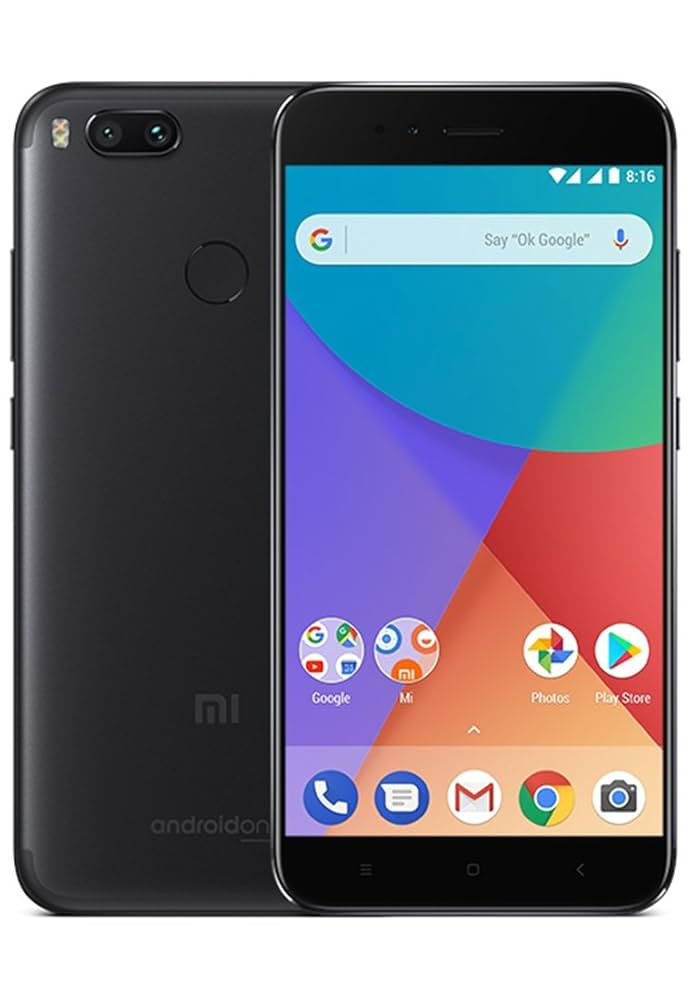
Google Repair
Need your Google Pixel fixed? At The Fix in Wilmington, NC, we repair cracked screens, charging issues, and more—always using high-quality parts for lasting results.

Tablet Repair
Whether your tablet screen is cracked or the battery won’t hold a charge, The Fix in Wilmington, NC provides fast, affordable tablet repairs with free diagnostics.

Computer Repair
Need PC or desktop service in Wilmington, NC? We provide free diagnostics and affordable repairs, always with high-quality parts.

Game Console Repair
From Nintendo Switch® to PlayStation and Xbox, The Fix in Wilmington, NC repairs all major game consoles. Fast service and dependable results.

iPad Repair
Need your iPad fixed? At The Fix in Wilmington, NC, we repair cracked screens, charging issues, and more—always using high-quality parts for lasting results.

Cell Phone Repair
We repair all major phone brands in Wilmington, NC. iPhone, Samsung, Google, and more—get your phone fixed fast.

iPhone Repair
Cracked screen? Battery draining too fast? Our team in Wilmington, NC repairs iPhones with precision and high-quality parts to make your device feel new again.

Samsung Repair
Whether it’s a Galaxy screen replacement or a charging issue, The Fix in Wilmington, NC offers fast and reliable Samsung repairs.

Xbox Repair
Xbox not working properly? Our team in Wilmington, NC offers quick, reliable Xbox repairs with free diagnostics and high-quality replacement parts.


Trusted repair solution for mobile phones, tablets, gaming consoles, and computer systems. We provide fast, reliable, and affordable repair services to get your devices back in perfect working condition.
The Fix is an independent repair service provider and is not affiliated with, sponsored by, or endorsed by Apple Inc., Samsung Electronics, Google LLC, or any other device manufacturer. We use high-quality compatible replacement parts unless explicitly stated. All trademarks are property of their respective owners.


© Copyright The Fix Solutions All rights reserved 2026.
Design by Deepcoder