




Cell Phone Repair in The Fix in Walmart Wilmington
Broken phone? No problem. At The Fix in Wilmington, NC, we repair all major cell phone brands—from iPhone and Samsung to Google and more. With free diagnostics and high-quality parts, we make it easy to get your phone working like new.
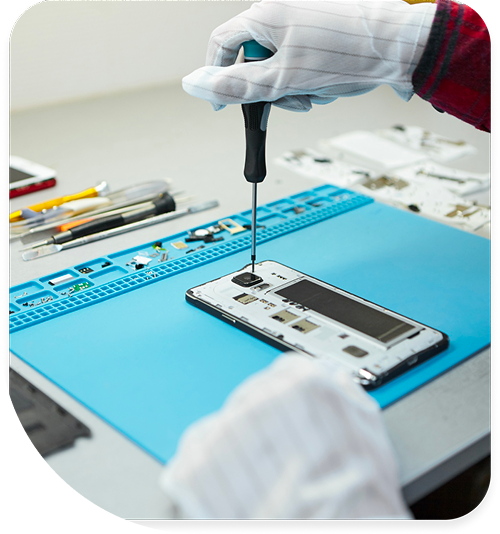
Professional Cell Phone Repair Services
- Screen Repair & Replacement
- Battery Replacement
- Water Damage Repair
- Camera Repair
- Charging Port Repair
- Speaker & Microphone Repair
- Software Troubleshooting & Recovery
Professional Cell Phone Repair Services In The Fix in Walmart Wilmington
The Clock is Ticking: The Timeline of Cell Phone Repair in Wilmington, NC (28403)
In Wilmington, a damaged phone is rarely a static problem. It is a progressing disaster. A small crack from a drop on the Riverwalk today becomes a dead display by Friday. A splash of water at Carolina Beach this morning becomes motherboard corrosion by tomorrow. In the 28403 zip code, where we deal with salt air, high humidity, and active lifestyles, ignoring a "minor" issue starts a countdown to total device failure.
At The Fix, located at 5226 Sigmon Rd inside Walmart, we specialize in stopping this timeline. We identify the stages of Cell Phone Repair in Wilmington, NC to save your device—and your data—before it’s too late.
Stage 1: The "Spiderweb" (Glass Crack)
The Symptom: You drop your phone while taking a photo of the Battleship. The glass shatters in the corner, but the touch still works and the picture is fine. The Timeline: You have 2-4 weeks. The Reality: That crack is a breach in your phone’s armor. It compromises the water resistance. The Risk: Without the glass seal, Wilmington's humid, salty air seeps inside. It begins to attack the copper connectors. The Fix: Glass-only repair or screen replacement now is much cheaper than dealing with liquid damage later.
Stage 2: The "Ghost Touch" (Digitizer Failure)
The Symptom: Apps start opening on their own. The keyboard types gibberish when you aren't touching it. The Timeline: You have days. The Reality: Moisture has penetrated the crack and is interfering with the digitizer layer (the sensor that reads your finger). The Risk: Security Lockout. If your phone "ghost touches" the wrong passcode too many times in your pocket, it will trigger a security lockout (e.g., "iPhone unavailable"). You could be permanently locked out of your photos and data. The Fix: Immediate screen replacement. We disconnect the battery to stop the rogue inputs and install a fresh assembly before the phone locks itself.
Stage 3: The "Heat Stroke" (Battery Swelling)
The Symptom: The back of your phone feels hot even when idle. The screen looks like it’s lifting out of the frame. The Timeline: Immediate Danger. The Reality: Leaving the phone in a hot car near the beach has cooked the battery chemistry. The lithium-ion cells are decomposing and generating gas. The Risk: Fire. A swollen battery is volatile. If punctured or compressed, it can ignite. It will also crush your motherboard from the inside out. The Fix: Stop using it. Do not charge it. Bring it to us for safe extraction and disposal.
Stage 4: The "Blackout" (Sudden Death)
The Symptom: The phone vibrates when you toggle the mute switch, but the screen is black. Or, it’s completely dead. The Timeline: The end of the line. The Reality: The damage has reached the motherboard. It could be a short circuit from salt corrosion or a blown backlight filter. The Fix: This requires advanced board-level diagnostics. We use microsoldering to replace individual chips or capacitors to revive the device, often just long enough to recover your precious data.
Frequently Asked Questions (Q&A)
Q: My phone fell in the ocean/river. Should I put it in rice? A: NO. Rice does nothing for the salt inside the phone. It just adds starch dust. Turn it off immediately and bring it in for an ultrasonic chemical cleaning. Speed is the only thing that matters with saltwater damage.
Q: How long does a screen repair take? A: For most iPhones and Samsungs, about 30-45 minutes. We stock parts for the most common models so you can get it fixed while you shop at Walmart.
Q: Do I lose my data during a repair? A: For screens, batteries, and charging ports, no. Your data stays safe. We only wipe devices if it’s a software reset that you request.
Stop the Countdown
Don't wait for the screen to go black or the battery to pop. The earlier you catch the problem, the cheaper the fix. Visit The Fix inside Walmart Wilmington on Sigmon Rd today.
Other Locations Near By You
The Fix in Walmart Wake Forest
2114 S Main St, Wake Forest, NC 27587, United States
The Fix in Walmart Raleigh
1725 New Hope Church Rd, Raleigh, NC 27609, United States
The Fix in Walmart Salisbury
323 S Arlington St, Salisbury, NC 28144, United States
The Fix in Walmart Statesville
1116 Crossroads Dr, Statesville, NC 28625, United States
The Fix in Walmart Gastonia
3000 E Franklin Blvd, Gastonia, NC 28056, United States
The Fix in Walmart Leland
1112 New Pointe Blvd, Leland, NC 28451, United States
The Fix in Walmart Shelby
705 E Dixon Blvd, Shelby, NC 28152, United States
Your local repair experts for every device
From iPhones to gaming laptops, The Fix in Wilmington, NC is your one-stop shop for device repair. Quick turnarounds, affordable prices, and local experts you can trust
Phone Cases
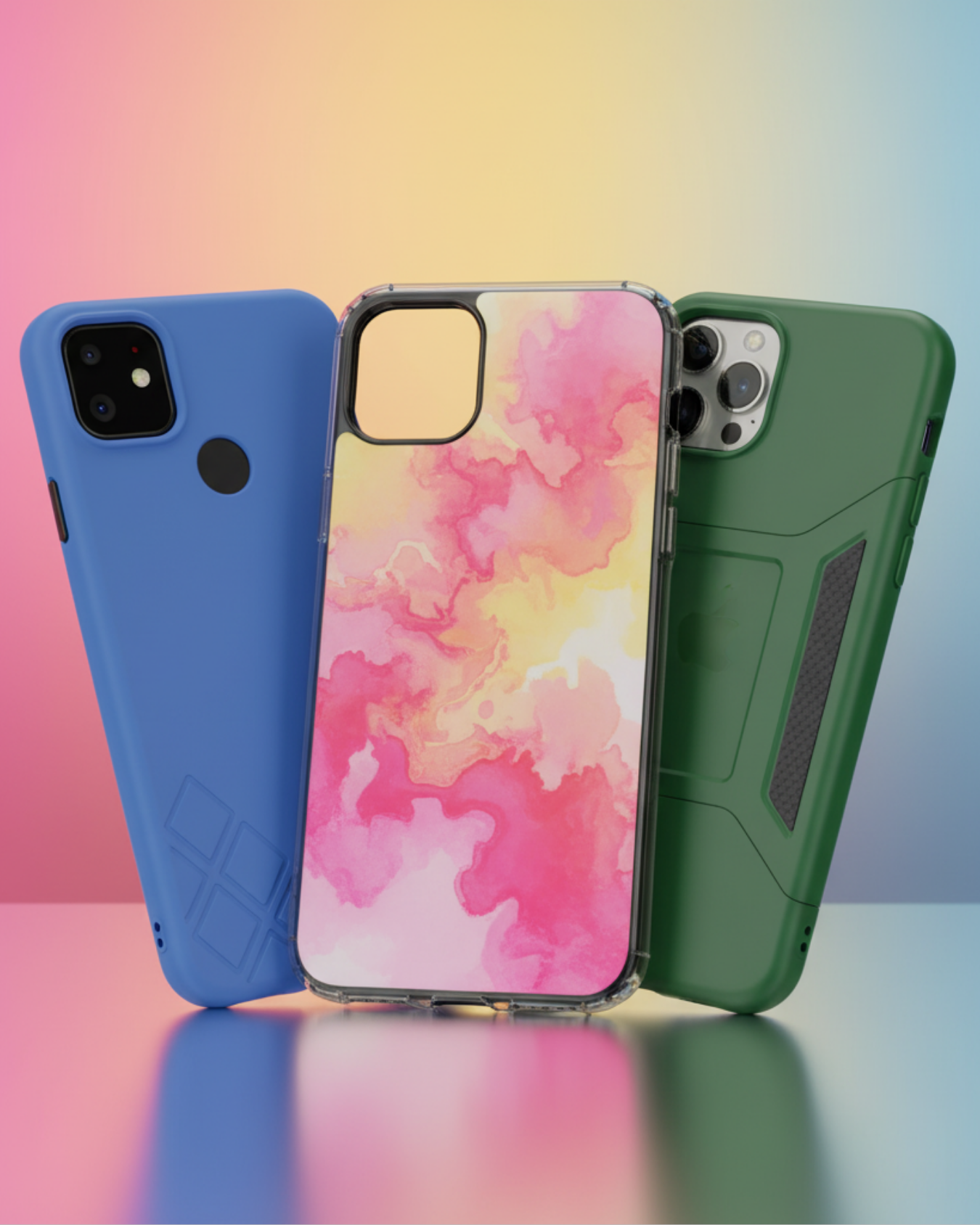
Protect your device in style! At The Fix in Wilmington, NC, we offer a wide selection of durable phone cases for all major brands—sleek designs that keep your phone safe and looking great.

Nintendo Switch Repair
Cracked Nintendo Switch screen? We repair Switch devices in Wilmington, NC quickly and affordably. Fast, easy, and always with high-quality parts.

MacBook Repair
For broken screens, battery replacements, or other issues, The Fix in Wilmington, NC provides quick MacBook repairs with premium parts.

PlayStation Repair
Is your PlayStation giving you trouble? At The Fix in Wilmington, NC, we handle PlayStation repairs with care and quality parts—no long waits, no hassle.
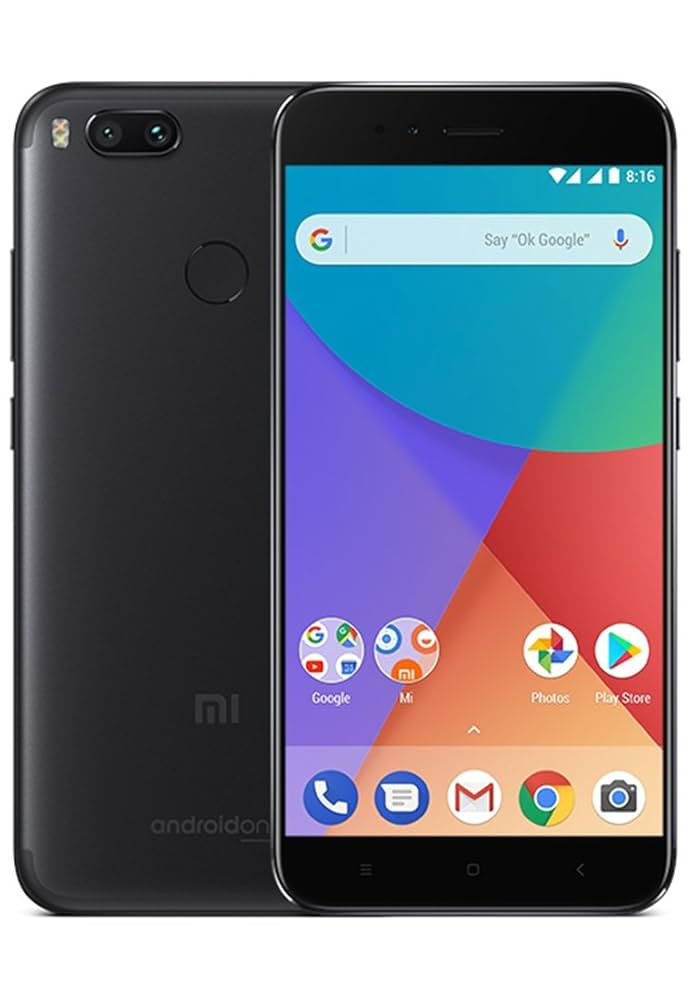
Google Repair
Need your Google Pixel fixed? At The Fix in Wilmington, NC, we repair cracked screens, charging issues, and more—always using high-quality parts for lasting results.

Tablet Repair
Whether your tablet screen is cracked or the battery won’t hold a charge, The Fix in Wilmington, NC provides fast, affordable tablet repairs with free diagnostics.

Computer Repair
Need PC or desktop service in Wilmington, NC? We provide free diagnostics and affordable repairs, always with high-quality parts.

Game Console Repair
From Nintendo Switch® to PlayStation and Xbox, The Fix in Wilmington, NC repairs all major game consoles. Fast service and dependable results.

Laptop Repair
Got a broken laptop? The Fix In Wilmington, NC, our team repairs most laptop brands and models using high-quality replacement parts.

iPad Repair
Need your iPad fixed? At The Fix in Wilmington, NC, we repair cracked screens, charging issues, and more—always using high-quality parts for lasting results.

iPhone Repair
Cracked screen? Battery draining too fast? Our team in Wilmington, NC repairs iPhones with precision and high-quality parts to make your device feel new again.

Samsung Repair
Whether it’s a Galaxy screen replacement or a charging issue, The Fix in Wilmington, NC offers fast and reliable Samsung repairs.

Xbox Repair
Xbox not working properly? Our team in Wilmington, NC offers quick, reliable Xbox repairs with free diagnostics and high-quality replacement parts.


Trusted repair solution for mobile phones, tablets, gaming consoles, and computer systems. We provide fast, reliable, and affordable repair services to get your devices back in perfect working condition.
The Fix is an independent repair service provider and is not affiliated with, sponsored by, or endorsed by Apple Inc., Samsung Electronics, Google LLC, or any other device manufacturer. We use high-quality compatible replacement parts unless explicitly stated. All trademarks are property of their respective owners.


© Copyright The Fix Solutions All rights reserved 2026.
Design by Deepcoder